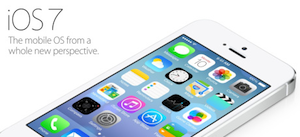
Many people lost their hope in Apple after the company decided to released iOS 7 beta. The most thing that annoyed so many ios lovers is hows Apple designed the new icons. Everyone said that it sucks. But what can they do about it. In this post I will shows you how to change your ios 7 or any ios version icons app without jailbreak your device using the Iconical app by DAP Logic.
Create your own icons on your Home Screen using Iconical. Easily customize your home screen with your own icons or create useful shortcut icons that perform some of your commonly used actions.
First of all, you need to download Iconical - Customize your iPhone app IPA on the AppStore for just $0.99. After you downloaded and installing the app you will be able to customize your ios icons without cydia.
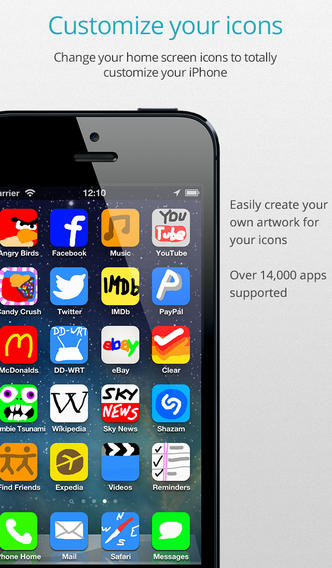
*** iOS 7 Users please note *** iOS 7 Beta 4 introduced a bug that means your Iconical icons will not launch the app they are supposed to. We hope this to be fixed in iOs 7 Beta 5 *** Do you want a faster way to make a call without having to find their contact? There’s nothing faster than a contact call icon on your home screen. Do you Skype the same person frequently? Create a home screen icon that will open Skype and call that person automatically. Have an icon that stands out too much on your home screen? Simply make your own (Supported apps only).
Iconical Features:
-Change the icon for 14,000+ supported apps
-Create shortcut actions for 200+ supported apps
-Edit your icon by drawing, rotating, zooming
-Download any image to use in your icon
-Upload your icon to the cloud for others to see and use
-Share your icon with friends for them to use