Semi-Restore is a tool (software) that allows you to put your iPhone, iPod touch, and iPad back to stock condition without losing jailbreak on that device. In this tutorial I will be showing you how to use Semi-Restore on Windows operating system.
Step 1: Download Semi-Restore for iOS 5-6.1.2 here
Step 2: Extract the Semi-Restore file after you downloaded
Step 3: Right click the Semi-Restore executable and select Run as Administrator from the popup menu.
Step 4: Semi-Restore will popup and it should looks something like this.
Step 5: Connect your device to a computer and click the SemiRestore button.
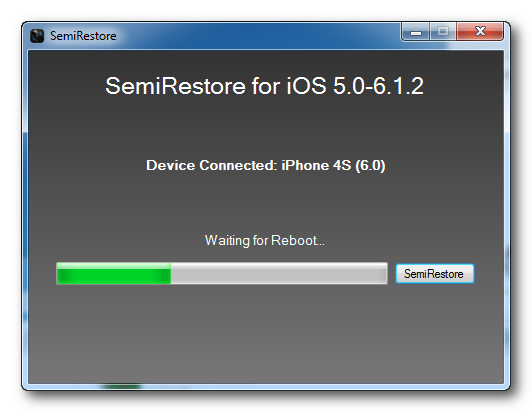
Step 6: Please wait a few minutes for Semi-Restore to restore your iphone without losing jailbreak. Once Semi-Restore has completed you will be informed that the process was successful. That’s it. You just wipe your iOS device using Semi-Restore no jailbreak lost. Enjoy! Big thanks go to CoolStar for his development.