
Do you like to earn some money or get free iTunes Gift Card just for download apps. That sounds really easy right? Yes it’s. Today I’m very pleased to show you how to earn money and iTunes Gift Card for FREE with Feature Points. Earning some extra income online is hard nowadays but if you have a iOS device such as iPhone, iPod touch, or even iPad then its not hard anymore. Doesn’t matter if you’re a student or adult. You will still get a chance to earn money by installing apps on your device. Here is some interesting part about Feature Points earning scale:
- Get 600 Points you will get pay $1 through amazon.com
- Get 3000 Points you will get pay $5 via your PayPal account
The more apps you install the more points you will get. Earlier someone ask me that do I need to keep the apps I installed on my device forever. No!. Once you downloaded them just run the app for like 10 seconds then go back to your Feature Points to get some points that the app worth and delete the app. Very simple.
How to install Feature Points on iPhone, iPod touch, and iPad:
Step 1: Go to Safari browser on your iDevice and type in http://featurepoints.com
Step 2: Tap on Get started and sign up…. or sign up to start earning.
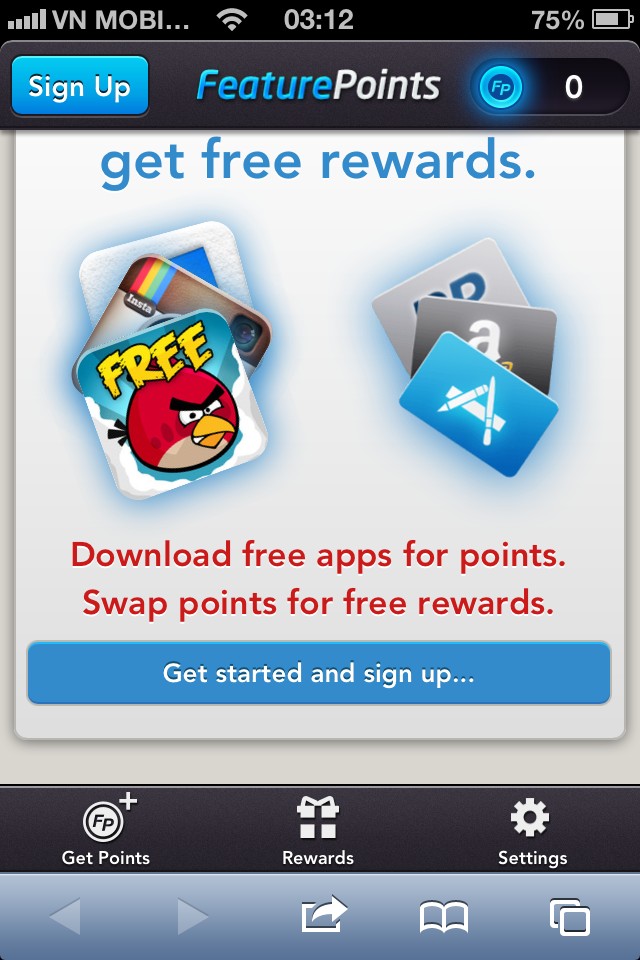
Step 3: Tap on “Let’s go”
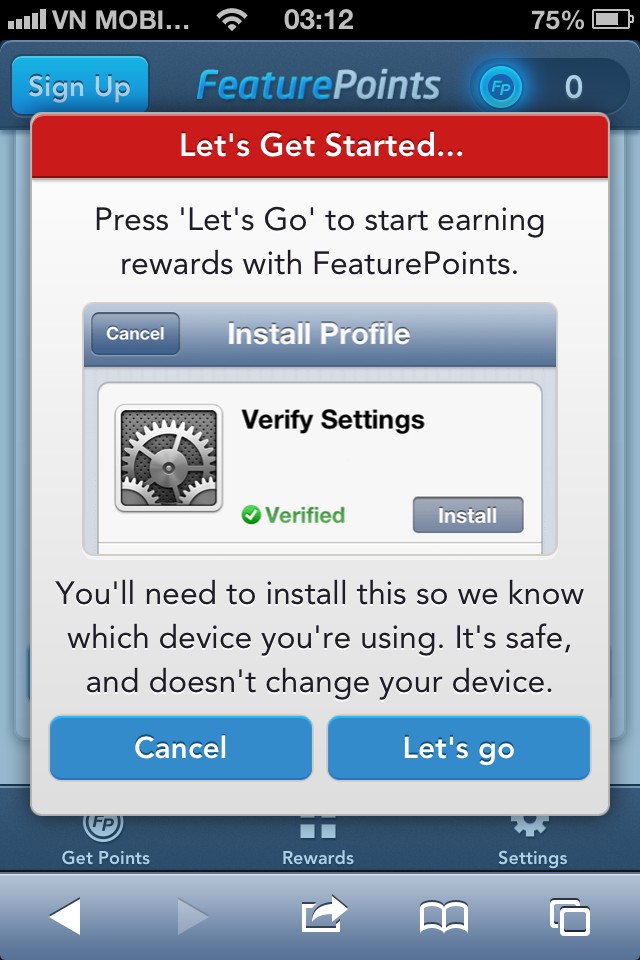
Step 4: Tap on “Install”
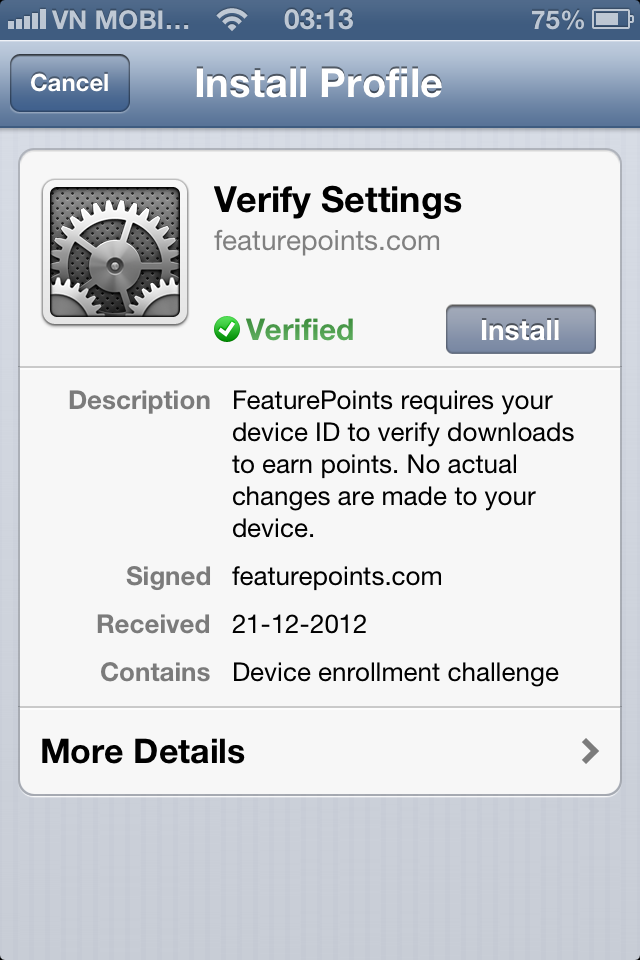
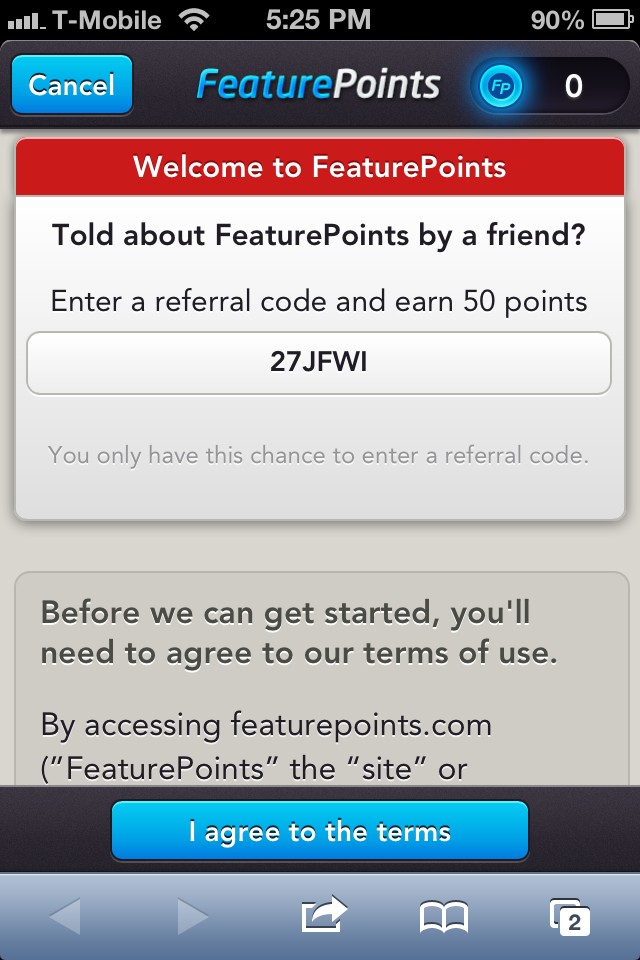
Step 5: When the installation is completed, you will be redirect to the main page. There you need to Enter in the following code: 27JFWI Then go ahead and tap on “I agree to the terms” to get 50 points free.
Step 6: Press Get Points to download the apps that you want. You can also see how many points its worth. Remember to choose the higher points so that you can earn money faster.
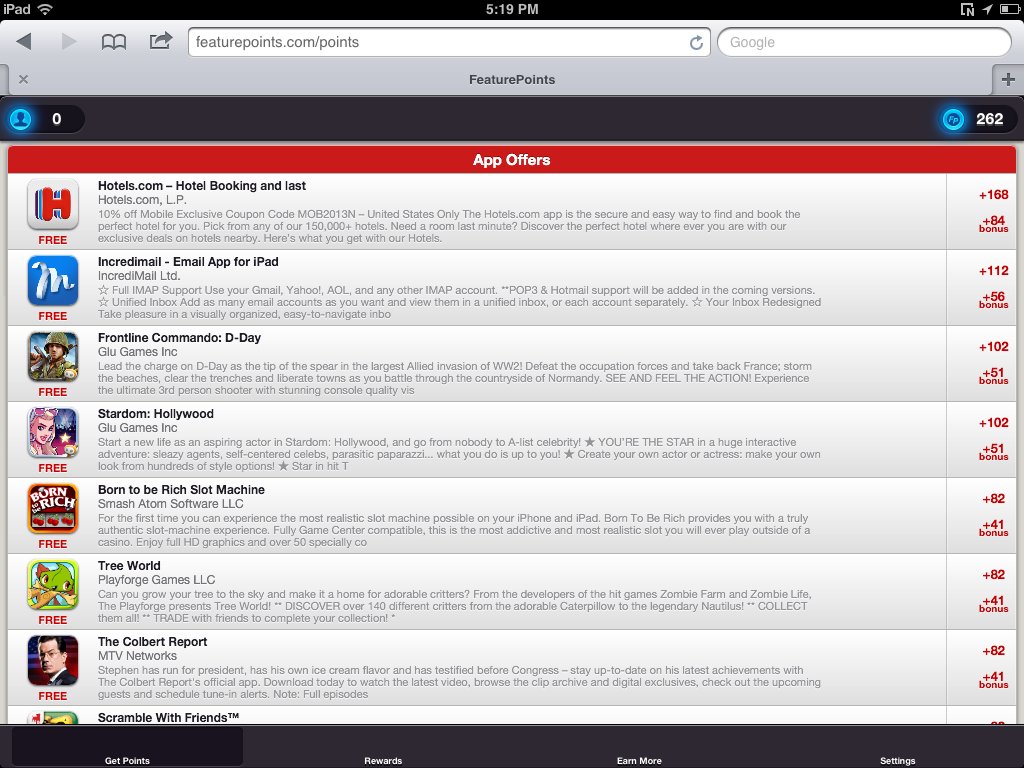
Once you achieve the enough points tap on “Reward” to earn money, iTunes Gift Card, or anything that you like. Enjoy and don’t forget to share this post with your friends.
Feature Points payment proof


Comments on this entry are closed.